MiPermit Twitter
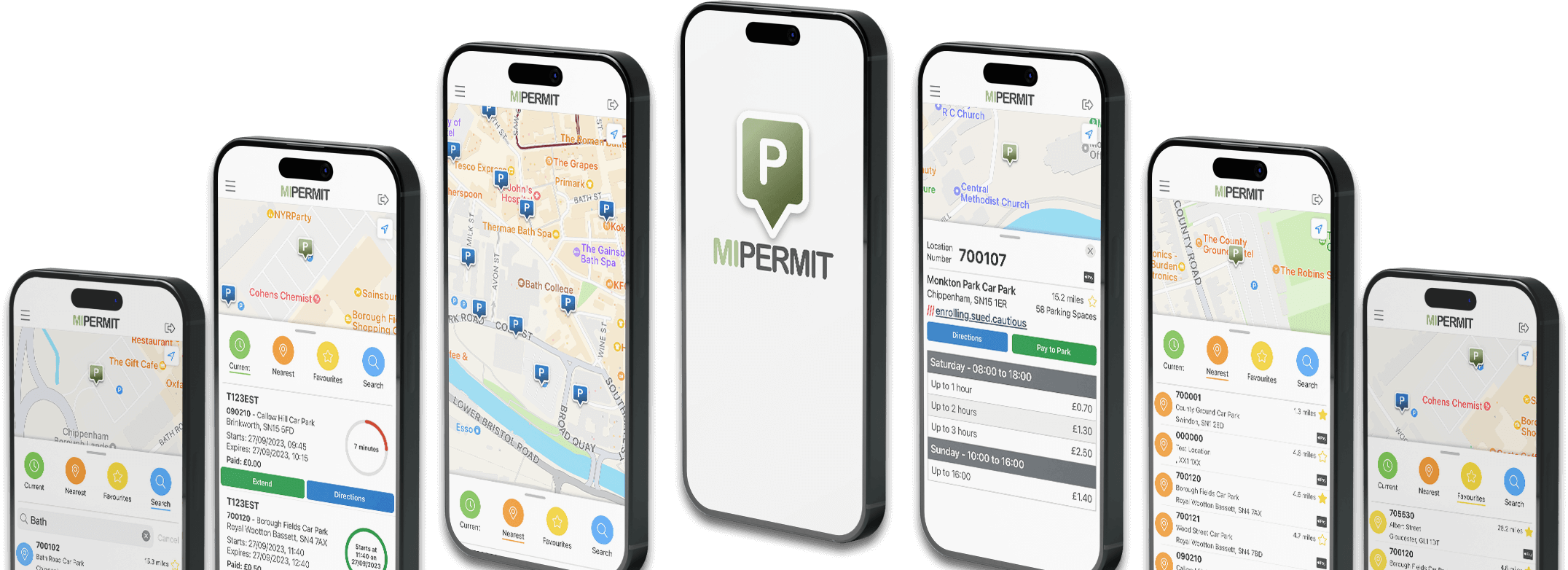
  • Using an Android device?

    Our new Android app is now available from Google Play (the new Android Market).

    Download the App Now!

  • Need a VAT Receipt?

    If you'd like to obtain a receipt for your parking, you can login to a MiPermit portal and download.

    Click here to see how

  • Need to Reset your PIN?

    If you would like to reset your PIN, you can do so via the PIN reset wizard.

    Click here to see how

  • Need to Find a Car Park?

    You can find participating car parks here on our web site.

    Click here to see all locations

  • Locked Account?

    You can unlock your account after multiple failed attempts.

    Click here to see how

What is Cashless Parking?
The Old Way - Pay & Display

Ever been in a rush to an appointment, late to a meeting or to pick up the family for their ride home? After finding a space, have you ever forgotten to carry enough money to pay for the parking? Queued in the rain to pay? Been late back for any reason? Pay & Display is the old way.

The New Way - Going Cashless

Pay for your stay electronically - using your credit or debit card, by SMS, by telephone or by using the internet. Many parking operators let you extend your stay without returning to the vehicle when your plans change.

MiPermit is cashless parking and more.

How Does it Work?
By Phone or Text

Create an account by either sending an SMS to the number advertised at the parking location, or by using our web site.

Creating your account by SMS is easy, just send the word PARK and your vehicle registration number to 60300. For example: PARK T123EST

Our automated service will call and ask for payment details (using your telephone keypad). If you have used the service before, you would not usually need to tell us about your credit or debit card again.

Confirmation of your transaction be sent by SMS. There is no need for a receipt on your dashboard - the parking operator will see the stay automatically.

Find out more in How it Works.

Looking for Help?
SMS

Need help with registering, creating a stay, or extending a stay using SMS? Read our guide here...


Web Portal

Looking for information on how to register, create, extend or cancel stays via the MiPermit portal or customer portal? Read the portal guide here...


iPhone/Android Apps

Have an iPhone/Android device and want to create, extend or cancel stays via the MiPermit smartphone application? Download and read more here...